Recovering Quarantined Rows from SDP Expectations
How to Prevent Data Loss in DLT: The "Quarantine & Re-Inject" Pattern

Co-author : Yash Kaushik
The Problem: Data Loss with expect_or_drop
When you use `@dp.expect_or_drop` in a Delta Live Tables pipeline, you'll most likely come across the following situation: the rows that fail your validation check simply vanish. There is no error message, no warning, and nothing at all in the logs that indicates their disappearance.
This happens because expect_or_drop checks the expectation on a per-row basis and quietly discards any rows that fail to meet it; the data is not logged, cannot be recovered, and is not queryable at any point in your pipeline. In many cases, this is acceptable, but if the 'invalid' rows in fact can be recovered (for instance, a missing price that is present in a reference table), then you're losing data that you had no reason to lose.
# Unrecoverable data loss: Any record failing validation is dropped permanently
@dp.table()
@dp.expect_or_drop("valid_price", "price IS NOT NULL AND price > 0")
def sales_silver():
    return spark.readStream.table("raw_ingestion")
The Fix: Quarantine, Remediate, Re-inject
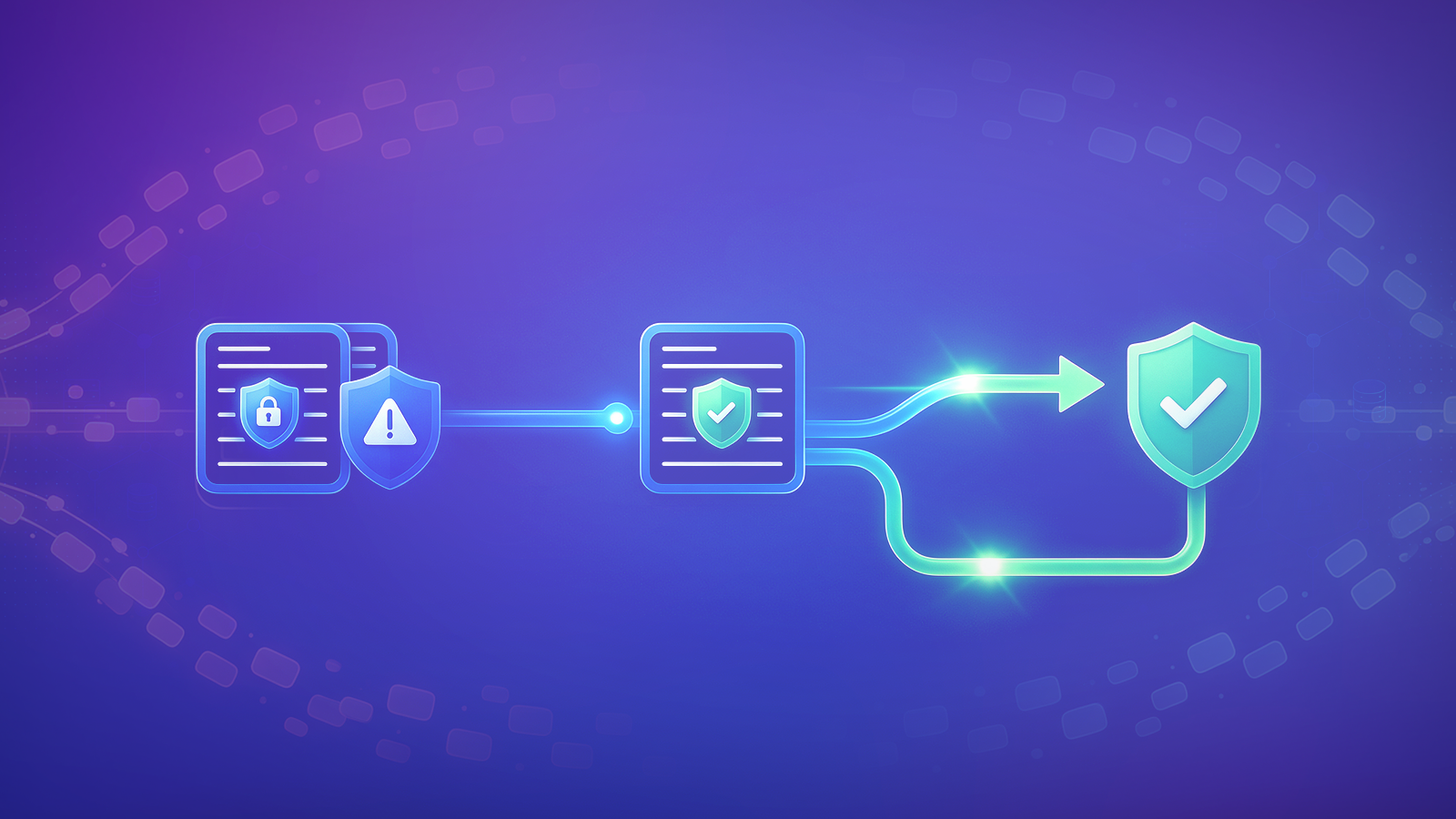
Rather than validating and dropping the records in a single step, divide the stream into two branches at the point of ingestion - one branch for records that pass validation and another for those that fail. The branch containing the failing records is given an opportunity for remediation (for example, by backfilling a missing price using a reference table) before both branches join together again in a single target table through an upsert. This ensures that nothing is discarded outright, since each record either passes through cleanly or is corrected and reinserted.
Step 1: Route records through a shared view
RULES = {
    "valid_price": "price IS NOT NULL AND price > 0"
}

@dp.temporary_view()
def raw_ingestion_view():
    return spark.readStream.table("raw_ingestion")

@dp.table()
@dp.expect_all_or_drop(RULES)
def sales_clean():
    return spark.readStream.table("raw_ingestion_view")

@dp.table()
def sales_quarantine():
    return spark.readStream.table("raw_ingestion_view") \
        .filter(f"NOT ({RULES['valid_price']})")
Both the `sales_clean` and `sales_quarantine` processes obtain their data from the same `raw_ingestion_view` rather than each one establishing its own stream directly from `raw_ingestion`. This turns out to be more significant than it at first appears because when there are two separate streaming reads from the same source, they can cut their microbatches at different points, making it more difficult to determine consistency between the two paths. By means of using a single shared view, the microbatch cuts remain aligned, and since the view is temporary, there is no additional table that needs to be materialized in Unity Catalog.
Step 2: Remediate the quarantined rows
dp.create_streaming_table("sales_silver")

@dp.append_flow(target="sales_silver")
def clean_flow():
    return spark.readStream.table("sales_clean")

remediated_quarantine = (
    spark.readStream.table("sales_quarantine")
    .join(spark.read.table("product_reference_prices"), "product_id", "left")
    .select("order_id", "product_id", "ingestion_time",
            F.coalesce("reference_price", "price").alias("price"))
)
The records are cleaned and the result goes directly to the target. For records that have been quarantined, they are joined with a reference table, and coalesce selects the reference price in cases where the original price was missing or invalid, using the original value instead if there is no reference available. This is genuine remediation, not just a temporary fix - you are recovering the right value, not inventing one or allowing the row to pass through without it being corrected.
Step 3: Re-inject via Auto CDC
dp.create_auto_cdc_flow(
    target="sales_silver",
    source=remediated_quarantine,
    keys=["order_id"],
    sequence_by=F.col("ingestion_time")
)
create_auto_cdc_flow is the automated upsert feature provided by DLT (based on the APPLY CHANGES INTO function); it matches records using order_id and makes use of sequence_by to handle cases where records arrive out of order. The importance of sequence_by in this situation lies in the fact that it must be a deterministic value that comes from the data itself (for example, ingestion_time), not a timestamp derived from processing time-this is what ensures that the final result is the same whether the pipeline runs normally, is fully refreshed, or is backfilled from the beginning. If it isn't like that, a rerun could lead to duplicates being reintroduced or could resolve the conflicts in a different way each time.
Quick Note:
- Schema Match: Your quarantined flow must return the same columns as your clean flow.
- Verification: SELECT count(*) FROM sales_silver should match SELECT COUNT(DISTINCT order_id) FROM raw_ingestion.
How v4c.ai Can Help
v4c.ai is a pure-play Databricks services partner with 750+ certifications, 500+ practitioners, and 200+ enterprise clients across Financial Services, Retail, Manufacturing, and Healthcare. We assist engineering teams in designing Databricks architectures that avoid data loss by using resilient Delta Live Tables pipelines together with production-standard quarantine processes and optimized streaming performance, thus guaranteeing complete data quality and audit readiness.
References
More blog posts
.jpeg)