Fetching Data from MongoDB to Databricks Using Fivetran

.avif)
Co-author : Shreya Auti
Introduction
Many organizations that adopt the Medallion Architecture rely on data from various operational systems. MongoDB Atlas is a system commonly used for transactional workloads. But when working with a Unity Catalog (UC)-enabled cluster, it can be challenging to bring your MongoDB data into Databricks. The MongoDB Spark Connector requires a dedicated (single-user) access-mode cluster, as it's not supported in serverless SQL warehouses or standard/shared-access-mode clusters, which most UC-managed environments use for governance.
This can be solved by setting up an automated data ingestion pipeline using Fivetran. This approach makes it easy for developers to extract, load, and keep MongoDB data in sync in Databricks without having to write or manage code.
Overview
The aim is to get MongoDB collections into Databricks, keep them updated in real time, and ensure they flow smoothly through the layers of the Medallion Architecture - Bronze, Silver, and Gold. As the UC-enabled cluster does not support native connectors, a scalable and reliable alternative is needed. Fivetran addresses this by providing automated ELT, schema-aware syncing, and built-in Change Data Capture (CDC).
Technical Background
Problem Statement
The official MongoDB Spark Connector does not fully support Unity Catalog-enabled Databricks Clusters as of July 2026. This means that building ingestion pipelines from MongoDB to Databricks can be tricky and may require additional tools or workarounds.
Solution
Fivetran acts as the bridge between MongoDB Atlas and Databricks by:
- Connecting securely to MongoDB
- Extracting collections
- Capturing inserts, updates, and deletes through CDC
- Loading data directly into Databricks as Delta tables
This removes the need for manual data ingestion scripts or scheduled jobs.
Use Cases & Benefits
Main Advantages
- Connector-independent ingestion bypasses UC limitations.
- CDC runs automatically, keeping Databricks tables continuously up to date.
- The method reduces the need for custom coding and maintenance.
- Tables land as Delta, ready for downstream analytics.
- This technique is a good fit for a Medallion Architecture because of its clean layered structure.
Best Uses for This Technique
- Near real-time and real-time dashboards
- Create Silver/Gold transformation pipelines
- Analytical workloads that require frequently updated transactional data
- Data from MongoDB to Support Machine Learning Feature Stores
Step-by-Step Implementation Guide
1. Setting up MongoDB Atlas
- To set up MongoDB Atlas, first go to the MongoDB Atlas website and sign in to your account. Click "Build a Database." Pick your cloud provider and region. Give your cluster a name, then click "Create." Wait a few minutes for your cluster to get ready.
- Next, set up database access. Click "Database Access" in the left menu. Add a new database user. Set a username and password, then save.
- You also need to allow your computer to connect. Click "Network Access" in the left menu. Add your current IP address, or allow access from anywhere if needed.
- Once your cluster is ready, click "Connect." Choose "Connect your application." Copy the connection string. Use this string in your code to connect to your MongoDB Atlas database.
Before you run the data pipeline, do the following:
- Allowlist Fivetran IP addresses in MongoDB Atlas.
- Create a read-only MongoDB user so it can be extracted safely.
- Collect the URI, credentials, database name, and any other information required to connect.

2. Set up Databricks as a Destination
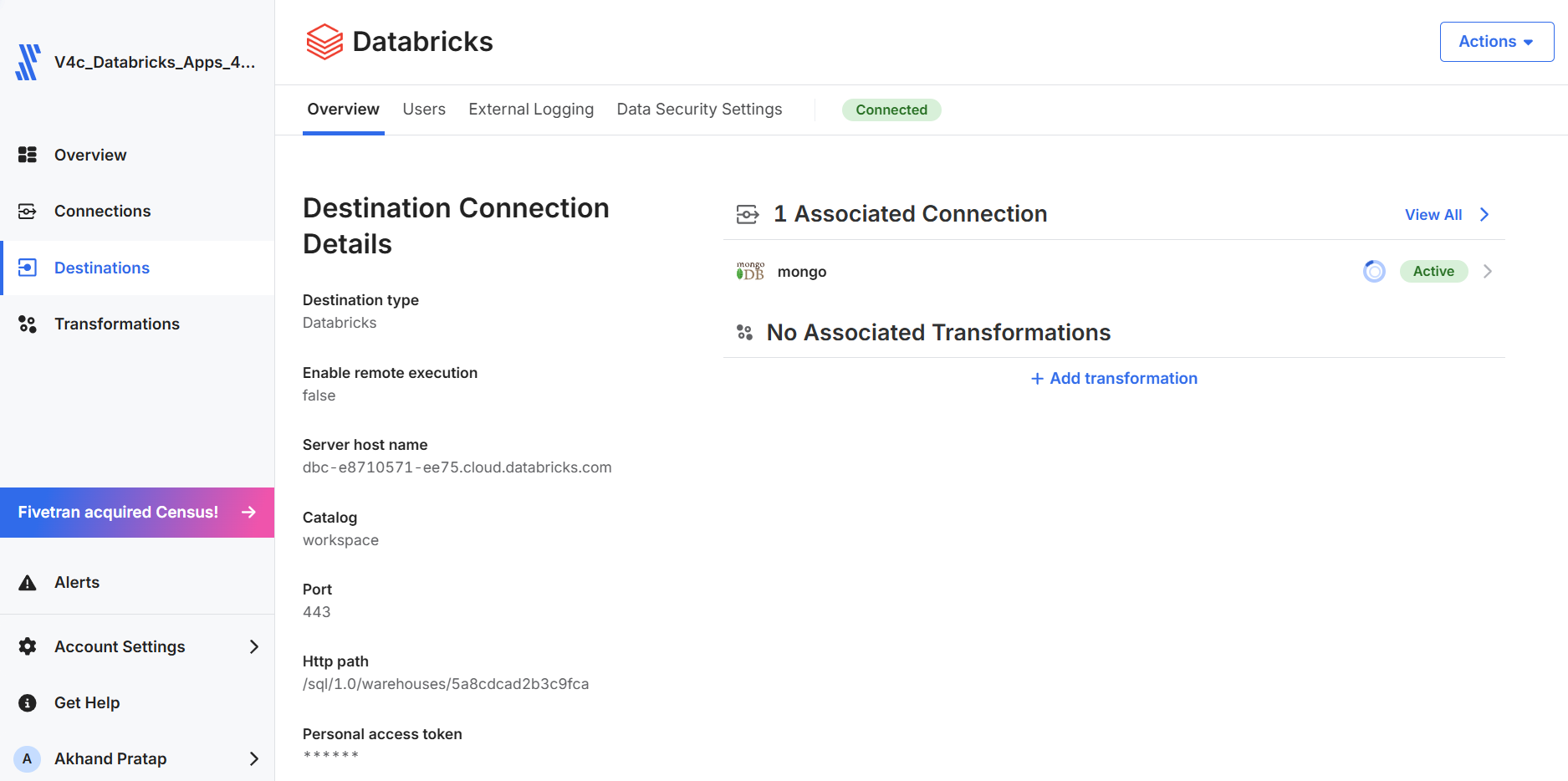
Set up Fivetran to use Databricks as the destination:
- Hostname of workspace
- SQL over HTTP Path
- Databricks Service Principal
- Target schema / database
- Ensure you run the connection test to confirm that Fivetran can write to Databricks.
3. Adding MongoDB as a Source
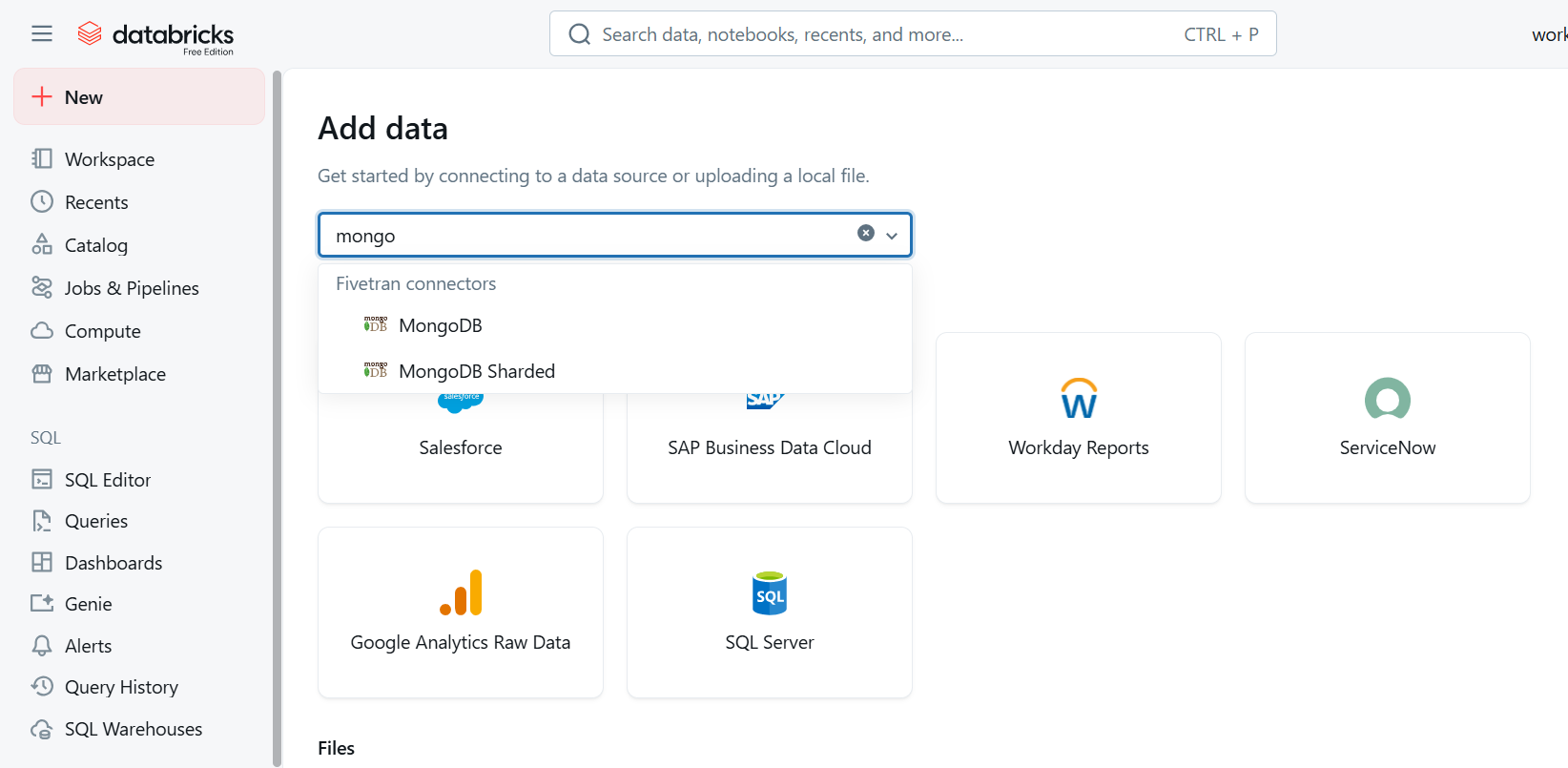
First, set up the MongoDB Atlas connection by entering the connection URI, the database name, and read‑only credentials. Then confirm that the connection works and review the available collections.
4. Choosing collections and turning on CDC
Ensure CDC mode is enabled, then choose the collections you need. This setup allows Fivetran to continuously monitor every incremental data change.
5. Carrying out the initial sync and creating the delta table
Let Fivetran load all the datasets into Databricks and carry out the extraction. The collections will be automatically created as Delta tables, which can be easily queried. CDC will maintain near-real-time synchronization after the initial sync is complete.
Transformations in Databricks
Once data is brought in, use Databricks to do the needed changes for the Medallion Architecture:
- Bronze Layer: Raw tables ingested directly from Fivetran
- Silver Layer: Cleaned and conformed tables, with MongoDB's nested documents flattened into a consistent relational structure.
- Gold Layer: Business-level aggregates, modeled and ready for analytics and reporting.
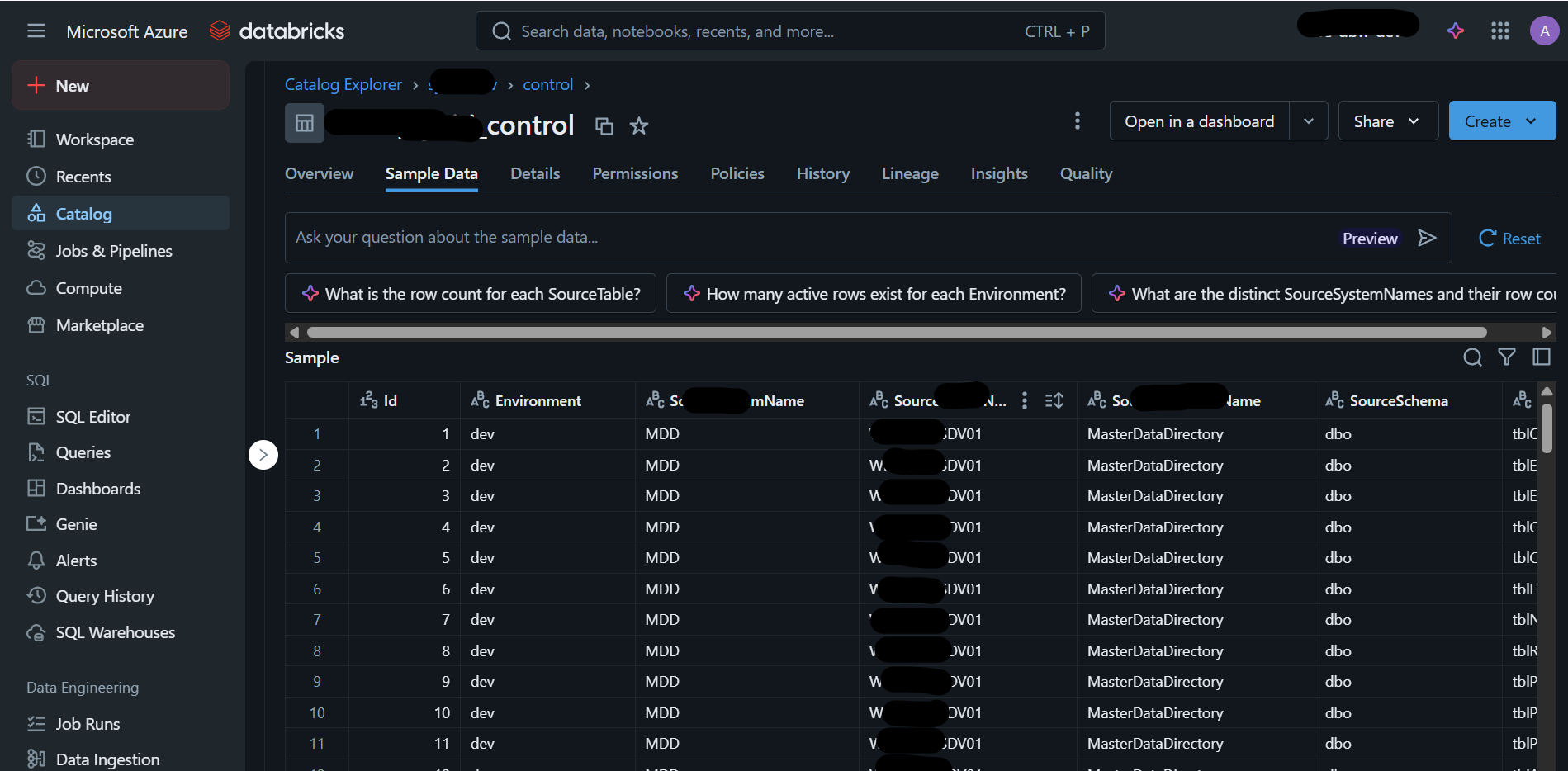
This method of using medallion layers guarantees clarity, allows for traceability, and maintains consistent data modelling practices.
Monitoring & Scalability
Seamless Monitoring
Fivetran’s integrated monitoring tools gave insight into:
- Synchronization status
- Retrieved records
- Alerts for failures
This visibility removes the guesswork and eliminates the need for custom logging.
Effortless Scaling
The pipeline scales as datasets grow and new collections are added, with no infrastructure to manage and no custom code to maintain.
Known Limitations and Workarounds
Limitations
- When working with MongoDB, nested structures often need to be flattened.
- When CDC events occur, compute usage may increase.
- When Fivetran copies data, large schemas may be duplicated based on collection design.
Workarounds
- In Databricks, you can implement Silver-layer flattening to simplify data.
- Delta Lake offers schema evolution features to help you adapt to changes.
- Liquid clustering on Delta tables can help improve performance by organizing data.
Key Takeaways
Unity Catalog's constraints can cause connectors to fail when you are attempting to keep different MongoDB collections in sync. You can remedy this issue by using Fivetran:
- The process of ingestion then becomes completely automated.
- CDC keeps all tables current.
- Transformations can occur smoothly across the Bronze, Silver, and Gold layers.
- Manual engineering time is significantly reduced.
This approach supports both reporting and analytics workflows while maintaining reliability.
How v4c.ai Can Help
v4c.ai is a pure-play Databricks services partner with 750+ certifications, 500+ practitioners, and 200+ enterprise clients across Financial Services, Retail, Manufacturing, and Healthcare. Our team focuses on solving Unity Catalog integration challenges by creating automated, Fivetran-powered ingestion pipelines for MongoDB Atlas. We have helped organizations build robust Medallion architectures, transforming complex, nested NoSQL data into high-performance Delta tables. By using Databricks Serverless SQL and expert-led CDC setups, we achieve operational excellence for your Lakehouse, making sure your MongoDB data is secure, scalable, and ready for advanced analytics and AI.
With our support, your enterprise can effectively connect operational NoSQL systems with Databricks capabilities to create faster reporting, analytics, and downstream AI use cases for real business impact.
Conclusion
Integrating MongoDB Atlas with Databricks through Fivetran provides a more reliable path than native connectors particularly when using Unity Catalog–enabled clusters. This setup lets businesses follow data engineering standards and run Delta Lake analytics on a platform that scales automatically.
The outcome: less time managing data pipelines and more time actually working with the data.
Future Possibilities
- Expanding CDC-based ingestion to more databases
- Integrating the pipeline with ML systems
- Automating end-to-end Gold transformations
- Enabling real-time dashboards using Databricks SQL
References
More blog posts
.png)



.png)