LakeMover: Migrating Relational Databases to Databricks Lakebase
.png)
Introduction
Moving enterprise databases from SQL Server, Azure SQL, or PostgreSQL to Databricks Lakebase is rarely straightforward. Teams worry about data loss, broken foreign key dependencies, silent validation failures, and unplanned downtime. These concerns often delay modernization efforts and keep organizations tied to expensive legacy systems.
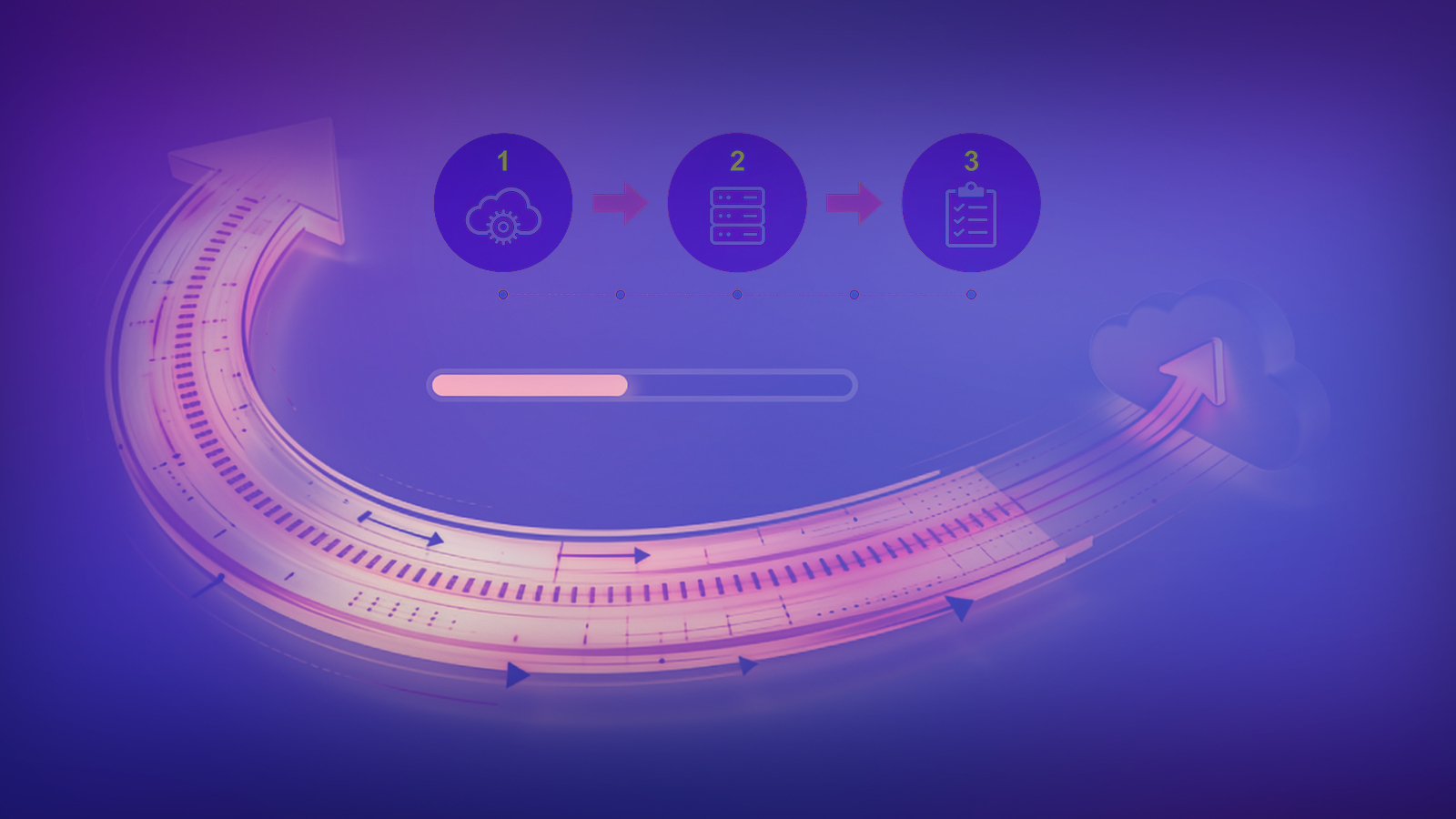
LakeMover is a Python-based migration accelerator built by V4C that takes the guesswork out of this process. It handles the full migration lifecycle across three structured phases: a read-only assessment that maps the source database and flags compatibility issues before any data is moved, a dependency-aware parallel loading engine that migrates data safely and efficiently, and a multi-layer validation step that mathematically confirms every row was transferred correctly.
The tool supports SQL Server, Azure SQL, and PostgreSQL as source systems, and writes directly into Databricks Lakebase using psycopg2 with SSL enforced. All configuration is driven through environment variables, so teams can point it at any source without changing the core pipeline code. Because Lakebase natively speaks the PostgreSQL wire protocol, all downstream writes use a uniform psycopg2 connection standard regardless of the source engine.
Enterprise database migration is one of the most significant engineering challenges a modern data team can face. LakeMover is designed to eliminate the guesswork and give teams a reliable, auditable path to Lakebase adoption.
Objectives
LakeMover is built around three core objectives.
Automated assessment removes human error from schema mapping by programmatically scanning the source database before any data is moved and producing a scored readiness report.
Fault-tolerant execution ensures that self-healing pipelines never leave data in an inconsistent state. Failed batches are retried automatically, and failed tables trigger an atomic rollback on the target to keep the environment clean.
Mathematical validation provides an auditable proof of data integrity through row count checks, MD5 checksum comparison, and field-level diff validation that can be used for compliance and stakeholder sign-off.
Common Migration Challenges
Standard ETL tools and manual migration scripts tend to break down at enterprise scale for several recurring reasons.
Schema collisions occur when source databases use reserved keywords, spaces, hyphens, or special characters in table or column names. These cause silent failures or outright rejections when the target tries to create the schema.
Null bytes embedded in string fields crash PostgreSQL-compliant targets mid-load without obvious error messages on the source side. This is one of the hardest failure modes to diagnose after the fact.
Running unthrottled queries against active transactional databases puts heavy lock pressure on the source, which can exhaust buffer pools, saturate IOPS, and take downstream applications offline.
Row count checks alone are not sufficient to confirm a successful migration. They do not catch data truncation, encoding shifts, or precision loss in numeric fields. A migration can pass a row count check and still contain corrupted data.
LakeMover addresses all of these directly through its three-phase architecture.
Environment and Setup
LakeMover requires Python 3.12, Databricks Runtime 13.3 LTS or higher, and PySpark 3.5. For SQL Server and Azure SQL sources, ODBC Driver 18 for SQL Server is required. Storage mount points should be configured at /dbfs/lakemover/ using AWS S3 or Azure ADLS Gen2. Outbound connectivity to the Lakebase endpoint on port 5432 with SSL is required.
All source credentials are loaded from environment variables or a secrets vault. The source type is set via the SOURCE_DB_TYPE environment variable and accepts postgres, sqlserver, or azure_sql. The pipeline dynamically loads the correct connector and SQL dialect translator based on this setting.
Below is the connection router and SQLAlchemy engine builder used by LakeMover. Connection pooling is configured with pool_size, max_overflow, and pool_pre_ping to handle transient network faults gracefully.
import os
from dotenv import load_dotenv
from sqlalchemy import create_engine
from sqlalchemy.engine import Engine
from connectors.postgres_connector import get_postgres_connection
from connectors.sqlserver_connector import get_sqlserver_connection
from connectors.azure_sql_connector import get_azure_sql_connection

load_dotenv()

def get_source_connection():
    source_type = os.getenv("SOURCE_DB_TYPE", "postgres").lower()
    if source_type == "postgres":
        return get_postgres_connection()
    if source_type == "sqlserver":
        return get_sqlserver_connection()
    if source_type == "azure_sql":
        return get_azure_sql_connection()
    raise Exception(f"Unsupported source type: {source_type}")

def get_sqlserver_connection() -> Engine:
    host       = os.getenv("SOURCE_HOST")
    database   = os.getenv("SOURCE_DATABASE")
    username   = os.getenv("SOURCE_USERNAME")
    password   = os.getenv("SOURCE_PASSWORD")
    driver     = os.getenv("SOURCE_DRIVER", "ODBC Driver 18 for SQL Server")
    connection_string = (
        f"mssql+pyodbc://"
        f"{username}:{password}"
        f"@{host}/{database}"
        f"?driver={driver}"
        f"&TrustServerCertificate=yes"
    )
    engine = create_engine(
        connection_string,
        pool_size=10,
        max_overflow=20,
        pool_pre_ping=True,
        pool_recycle=3600,
        fast_executemany=True,
        future=True
    )
    return engine
Phase 1: Assessment
The assessment phase runs entirely in a read-only state against the source database. It queries system catalogs to build a full in-memory inventory of schemas, tables, columns, primary keys, foreign keys, indexes, triggers, and stored procedures. No data is moved during this phase.
Below is the metadata extraction module used for SQL Server. It queries the raw sys catalogs directly for maximum precision rather than relying on high-level ORM abstractions.
import pandas as pd
from sqlalchemy import text

def extract_sqlserver_metadata(source_engine):
    metadata = {}

    tables_query = text("""
        SELECT TABLE_SCHEMA AS schema_name, TABLE_NAME AS table_name
        FROM INFORMATION_SCHEMA.TABLES
        WHERE TABLE_TYPE = 'BASE TABLE'
    """)
    metadata["tables"] = pd.read_sql(tables_query, source_engine)

    columns_query = text("""
        SELECT TABLE_SCHEMA AS schema_name, TABLE_NAME AS table_name,
               COLUMN_NAME AS column_name, DATA_TYPE AS data_type,
               IS_NULLABLE AS is_nullable,
               CHARACTER_MAXIMUM_LENGTH AS max_length,
               NUMERIC_PRECISION AS numeric_precision,
               NUMERIC_SCALE AS numeric_scale
        FROM INFORMATION_SCHEMA.COLUMNS
    """)
    metadata["columns"] = pd.read_sql(columns_query, source_engine)

    foreign_keys_query = text("""
        SELECT fk.name AS foreign_key_name,
               fkc.constraint_column_id,
               SCHEMA_NAME(tp.schema_id) AS parent_schema,
               tp.name AS parent_table,
               cp.name AS parent_column,
               SCHEMA_NAME(tr.schema_id) AS referenced_schema,
               tr.name AS referenced_table,
               cr.name AS referenced_column
        FROM sys.foreign_keys fk
        INNER JOIN sys.foreign_key_columns fkc
            ON fk.object_id = fkc.constraint_object_id
        INNER JOIN sys.tables tp ON fkc.parent_object_id = tp.object_id
        INNER JOIN sys.columns cp
            ON fkc.parent_object_id = cp.object_id
            AND fkc.parent_column_id = cp.column_id
        INNER JOIN sys.tables tr ON fkc.referenced_object_id = tr.object_id
        INNER JOIN sys.columns cr
            ON fkc.referenced_object_id = cr.object_id
            AND fkc.referenced_column_id = cr.column_id
        ORDER BY fk.name, fkc.constraint_column_id
    """)
    metadata["foreign_keys"] = pd.read_sql(foreign_keys_query, source_engine)

    procedures_query = text("""
        SELECT ROUTINE_SCHEMA AS schema_name,
               ROUTINE_NAME AS procedure_name,
               ROUTINE_DEFINITION AS procedure_definition
        FROM INFORMATION_SCHEMA.ROUTINES
        WHERE ROUTINE_TYPE = 'PROCEDURE'
    """)
    metadata["procedures"] = pd.read_sql(procedures_query, source_engine)
    return metadata
Once the metadata is compiled, it is passed through all validation checks. Each check records its findings with a severity level of BLOCKER, WARNING, or INFO, along with the affected object name and a specific remediation recommendation.
Below is the validation runner that triggers all checks dynamically from the parsed metadata.
def run_validations(engine, metadata):
    findings = []
    source_type = os.getenv("SOURCE_DB_TYPE", "postgres").lower()

    # Table validations
    findings.extend(validate_table_names(metadata["tables"]))
    findings.extend(validate_reserved_keywords(metadata["tables"]))
    findings.extend(validate_empty_tables(engine, metadata["tables"], source_type))

    # Column and constraint validations
    findings.extend(validate_datatypes(metadata["columns"]))
    findings.extend(validate_collation(metadata["columns"]))
    findings.extend(validate_primary_keys(metadata))
    findings.extend(validate_foreign_keys(metadata["foreign_keys"]))
    findings.extend(validate_dependencies(metadata["foreign_keys"]))

    # Object validations
    findings.extend(validate_procedures(metadata["procedures"]))
    findings.extend(validate_triggers(metadata["triggers"]))

    # Size extrapolation
    findings.extend(validate_table_sizes(engine, source_type))

    return findings
The complete list of validation checks is shown in the table below.
Readiness Score
All check results feed into a Readiness Score. The pipeline starts at 100 and applies the following deductions: 20 points per BLOCKER finding (capped at 80 points total deduction) and 2 points per WARNING finding (capped at 20 points total deduction). INFO findings carry no deduction and serve as operational context only.
The final score maps to a plain-language operational status and is automatically rendered into an HTML and PDF assessment report before any data movement begins. This gives engineering stakeholders and compliance teams a quantified view of migration complexity and a sign-off artifact before the migration proceeds.
Phase 2: Migration
Step 1: Dependency Ordering via Topological Sort
To guarantee that foreign key constraints are never violated during loading, LakeMover models the source database foreign key relationships as a directed acyclic graph in memory and applies a topological sort to determine the correct table load order. Tables with no upstream dependencies are placed at the front of the queue. Tables that depend on parent rows wait until those parent tables complete successfully.
If the sorting algorithm detects a circular dependency in the metadata, it isolates the affected tables, logs a detailed warning, and appends them to the end of the execution queue rather than crashing the pipeline.
Step 2: Schema Projection and Type Translation
Before extracting any rows, LakeMover creates the corresponding tables in Lakebase using a tested type mapping registry. Every source column type is translated to an appropriate Lakebase equivalent. Once a table is created, the exact column list is saved to an in-memory column registry. Every subsequent processing step consults this registry to prevent referencing unsupported or skipped fields.
Step 3: Dynamic Batch Sizing
Rather than using a fixed row count per batch, LakeMover samples 1,000 rows from each table to calculate the average row size in megabytes, then dynamically scales the batch size to target 256 MB per load cycle. Wide tables with large text or binary fields automatically drop to smaller batch sizes, while narrow tables scale up to 100,000 rows per batch. This prevents out-of-memory errors on the extract side and minimises transaction log pressure on the source database.
Step 4: Pagination Strategy
Data extraction uses one of two strategies depending on whether the table has a primary key.
For tables with a primary key, LakeMover uses keyset pagination. It tracks the maximum key value from the previous batch and fetches the next set using an explicit boundary constraint. This avoids re-scanning rows and scales cleanly to very large tables.
For tables without a primary key, it falls back to offset pagination. On SQL Server, it injects a ROW_NUMBER() OVER (ORDER BY (SELECT NULL)) window subquery to emulate pagination offsets without requiring a physical sort column.
Step 5: Data Normalization, Retry, and Self-Healing Rollback
Before each batch is written to Lakebase, raw Python memoryview objects from binary fields are coerced into standard byte arrays. Trailing whitespace is stripped from fixed-length CHAR columns to prevent false padding mismatches during validation.
Every batch extraction operation is wrapped in a retry loop with a maximum of three attempts. If a table fails after all retries, the migration logs the failure and triggers an atomic rollback on the target by running DROP TABLE IF EXISTS with CASCADE. This removes any partial load and resets the target state cleanly before moving on.
Step 6: Stored Procedure Conversion
LakeMover converts legacy T-SQL stored procedures to PostgreSQL-compatible syntax by applying regex-based transformation rules. It automatically strips GO separators, removes bracketed schema decorations, and translates TOP N clauses to LIMIT N. Each procedure is also scanned for high-complexity patterns including cursors, dynamic SQL, and MERGE statements. Matches increment a complexity score that flags the procedure for manual review before deployment.
Phase 3: Validation
Once migration completes, LakeMover runs three validation checks in sequence to confirm data integrity.
Row Count Validation
A concurrent SELECT COUNT is executed across both source and target for every migrated table. Any discrepancy is flagged immediately and recorded in the audit log.
Checksum Validation
LakeMover takes a sample of up to 10,000 rows from each table. It coerces null values to a uniform string representation, casts every field to text, serialises the result to a deterministic CSV stream, and computes an MD5 hash on both the source and target samples. Comparing hashes in this serialised format produces stable, reliable results across entirely different database engines regardless of how each engine formats its native types.
Sample Diff Validation
A field-by-field string comparison is run across the first 100 rows of each table to catch character encoding issues or truncation errors that a hash comparison alone might not surface.
Audit Trail
Every pipeline event, schema mutation, batch result, and validation outcome is written to a structured, timestamped directory on disk. This produces a complete audit trail that can be used for compliance sign-off and root-cause analysis.
Migration Success Criteria
A migration run is confirmed successful when all six of the following conditions are met.
The Phase 1 assessment report contains zero BLOCKER findings. Every table in the manifest completes with a SUCCESS flag. Row counts match exactly across source and target. MD5 checksums are identical for all sampled tables. The field-level diff shows zero mismatches. The final signed reconciliation report is saved to the audit directory.
Getting Started
For teams running their first assessment, set environment variables for the source connection and run the following command to generate the readiness report without executing any data loads.
lakemover --assess-only
Review the generated HTML report to see the Readiness Score and any flagged issues before committing to a full migration.
For teams tuning performance on large tables, the MAX_MEMORY_TARGET_MB setting in the vault configuration controls the batch sizing target. Setting this higher on memory-optimized driver nodes increases throughput on large tables. The column mapping configuration can also be used to exclude large binary or LOB fields from the initial load to speed up the first pass.
Conclusion
Database migration does not have to be a high-risk exercise. By treating it as a structured engineering problem with defined pre-flight checks, dependency-ordered execution, adaptive batch sizing, and cryptographic validation, LakeMover gives teams a reliable and fully auditable path from legacy relational databases to Databricks Lakebase. The goal is straightforward: move every byte correctly, prove it mathematically, and leave a clean audit trail behind.
More blog posts



.jpeg)